Stop Letting "Good Enough" Colocation Kill DR Readiness
Downtown LA colocation can look great on paper. The address sounds impressive, the tour feels polished, and the sales deck is full of big promises. But when you face a real outage, what matters is simple: can you hit your recovery time and recovery point goals, or not?
Late at night during a major power event, downtown streets clog, backup generators kick in, and everyone starts refreshing dashboards. This is when a "good enough" data center suddenly shows its limits. If the site was chosen mostly for price, ZIP code, or shiny marketing, your disaster recovery plan can fall apart right when you need it most. In this article, we walk through the downtown LA colocation decisions that quietly sabotage DR, and how growing enterprises can turn those same decisions into a real resilience advantage.
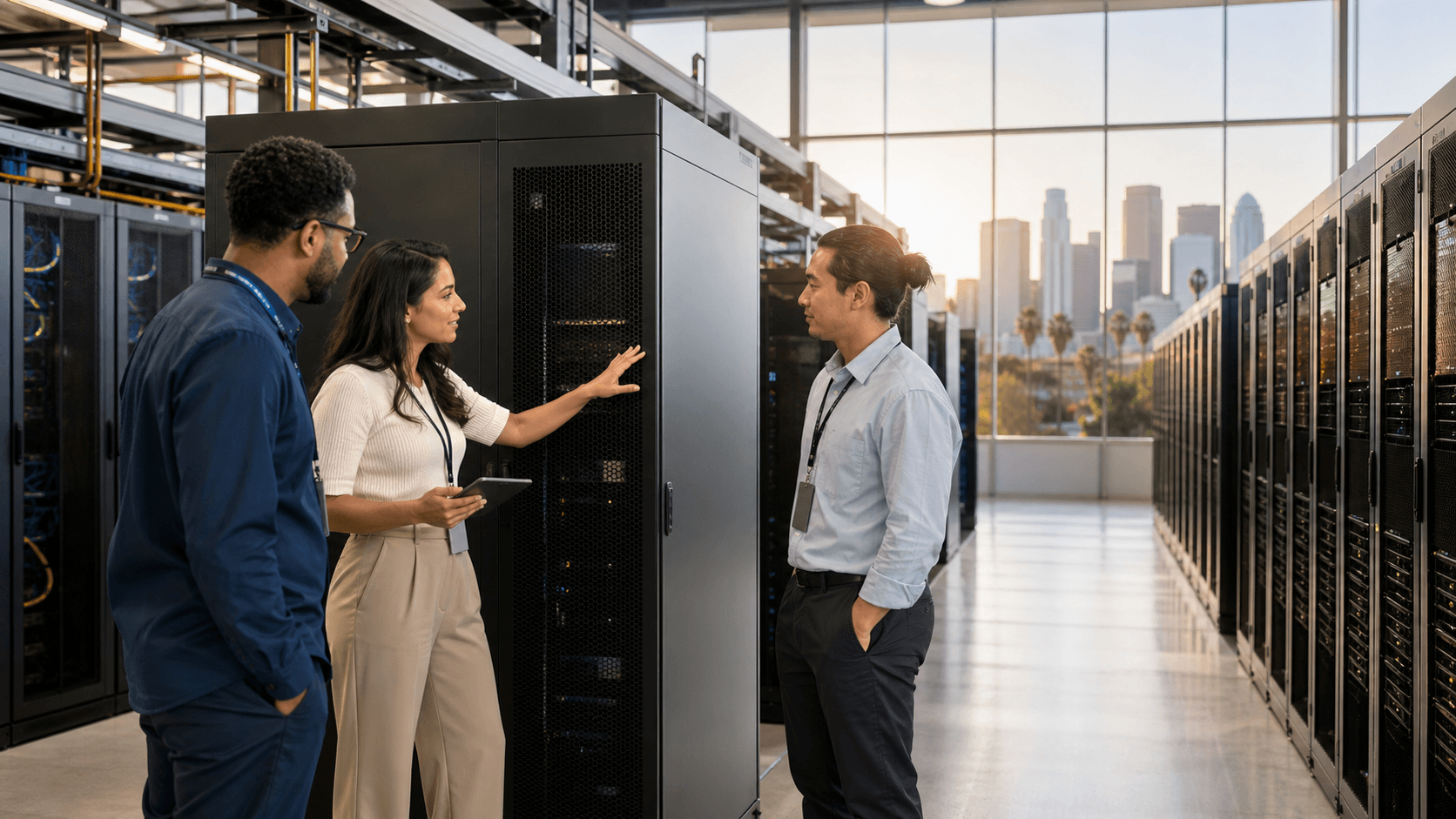
Confusing a Central Address with True Resilience
Many teams assume that being close to the office is always better. A central address can feel safe and convenient, especially when your engineers want a short drive to the rack. But DR is about staying online when things around you are not. A good commute does not protect you from earthquakes, wildfires, or regional power events that hit many blocks at once.
Downtown LA brings its own hidden location risks, such as:
- Shared utility corridors that tie multiple buildings to the same power issues
- Congested streets that slow down fuel trucks and staff access during emergencies
- Construction projects that can cut fiber in more than one path at the same time
- Regional events that impact several data centers inside the same tight zone
A better way to think about location is to ask hard questions, like:
- How many independent power feeds serve the building, and from where?
- What seismic design standards does the facility follow, and how are racks anchored?
- Are there multiple physical access routes that avoid the same freeway chokepoints?
- What is the flood and fire risk in the area, based on local maps and history?
- Does the provider support multi-site designs that separate production and recovery?
When you shift from "Is this close?" to "Will this survive what LA throws at it?", your downtown LA colocation choice starts to line up with real DR goals.
Underestimating Power, Cooling, and Network Dependencies
Power and cooling often get treated like a simple checkbox. Many enterprises accept the standard package and move on, without mapping it to what really happens under stress, like seasonal heat waves, late year traffic spikes, or surprise growth in workloads.
This is where hidden single points of failure creep in:
- Shared PDUs that quietly put multiple key systems on the same circuit
- Limited generator fuel reserves that only support short events if resupply is delayed
- Cooling setups that lack enough redundancy during long hot spells
- Network uplinks that all backhaul to the same carrier hotel or meet-me room
To test if your power and cooling support your DR plan, consider steps like:
- Measuring real power draw under simulated peak, including DR failover loads
- Confirming N+1 or better for power and cooling, not just on paper but in practice
- Asking for documented fuel resupply service levels and priority plans
- Verifying carrier diversity, including separate entrance paths into the building
- Checking that the facility can scale power and space as your DR footprint grows
Your DR environment is often heaviest during trouble. If your downtown LA colocation setup cannot carry that weight with margin, recovery goals turn into hopeful guesses.
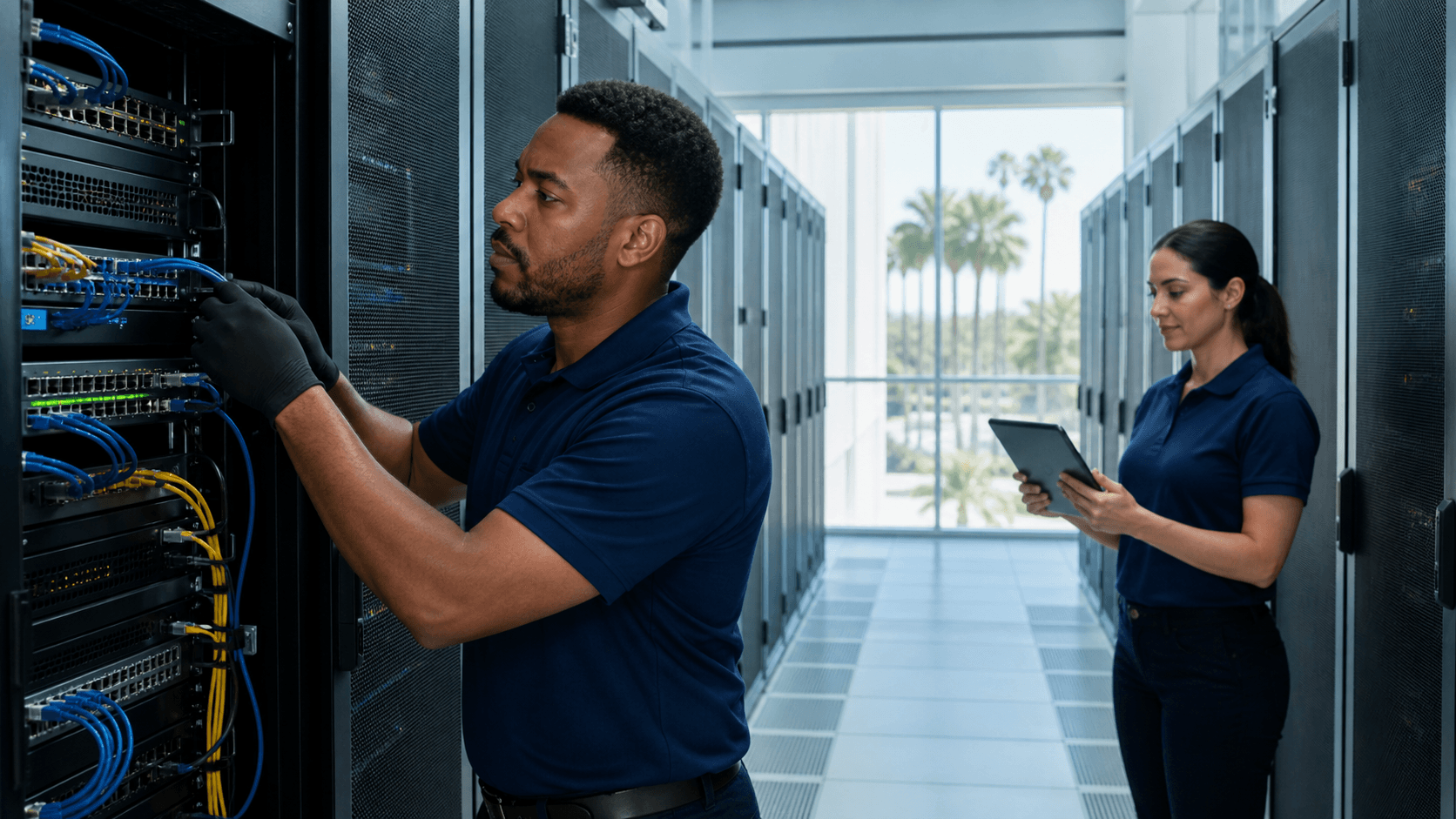
Treating Remote Hands Like an Afterthought
A lot of DR plans still lean on the idea that "we will just send our team." That feels reasonable until you think about what usually happens during a real event. Freeways close or crawl, air quality drops from fires, and holiday rush periods make downtown access slow and painful. Getting staff to the data center at the exact moment you need quick action can become unrealistic.
Weak or generic remote hands support can undo an otherwise decent DR design. Problems often show up as:
- Slow hardware swaps that stretch recovery beyond your target timelines
- Mis-racked or mis-cabled gear when instructions are not clear or followed
- Delayed root cause checks because on-site staff are not trained for deeper tasks
- Limited support hours that clash with your 24/7 recovery expectations
Smarter hands should feel like an extension of your own team, especially during DR. Strong support in this area usually includes:
- Documented runbooks that spell out DR procedures, step by step
- Hardware diagnostics, from simple checks to more advanced triage
- Regular inventory verification so you know exactly what is in each cabinet
- The ability to carry out complex changes under your engineers' direction
With the right smarter hands approach, you are not betting your DR on someone fighting traffic at 2 a.m. You are giving your engineers trusted on-site help that can act fast.
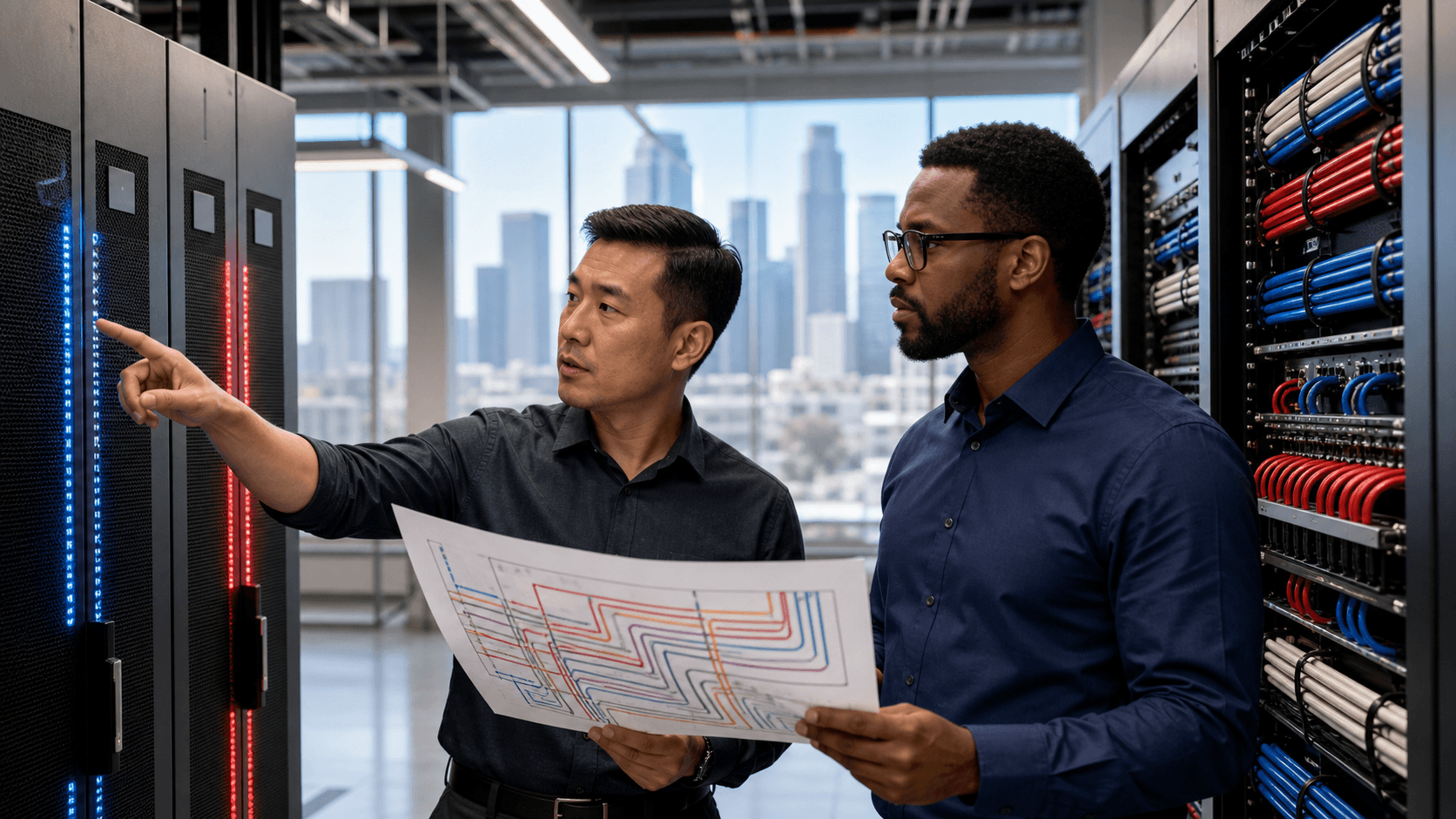
Ignoring Hardware Strategy in DR Planning
Another quiet way DR falls apart is hardware planning, or more often, the lack of it. It is common to hear, "We will just buy or ship hardware when we need it." That sounds flexible, right up until you hit long lead times, supply chain delays, or last-minute compatibility issues.
Downtown LA colocation decisions that skip hardware strategy can lead to:
- Mismatched gear that does not fit power, cooling, or rack layouts
- Last-minute buys at premium terms because you need something right now
- No pre-staged systems for seasonal peaks or year-end changes and freezes
Stronger practices keep hardware from becoming the weak link in your DR stack. For example:
- Setting clear, pre-approved hardware standards for DR and production
- Keeping on-site spares for critical components inside your cabinets
- Building vendor relationships that include emergency sourcing options
- Using advisory support to validate configurations before they go into your DR plan
When hardware is planned along with site choice and smarter hands, your downtown LA colocation setup is ready to carry real recovery workloads, not just test scripts.
Turning Downtown LA Colocation Into a DR Advantage
The big shift is this: downtown LA colocation can either amplify regional risk or help you stay steady while everything around you shakes. The tech, the address, and the tour are only part of the story. What matters is how each choice supports DR-first thinking around site resilience, smarter hands, and hardware strategy.
Over the next 30 days, a simple checklist can reveal where you stand:
- Review current SLAs against your RTO and RPO, not just uptime promises
- Confirm redundancy for power, cooling, and network, including real-world limits
- Map physical access routes and staff plans during traffic and holiday crunches
- Assess smarter hands capabilities against the steps in your DR runbooks
- Compare your stated DR objectives with what your current facility can actually deliver
At DataHub Innovations in Los Angeles, we focus on helping growing enterprises treat colocation as a resilience tool instead of a hidden risk. By aligning partial or full cabinet deployments with smarter hands support and thoughtful hardware sourcing, downtown LA colocation can move from "good enough" to a true DR advantage.
Power Your Next Phase of Growth With Reliable Colocation
If you are ready to strengthen performance, security, and scalability for your critical infrastructure, we are here to help. Our downtown LA colocation solutions give you the capacity and connectivity you need without the overhead of managing your own data center. Tell DataHub Innovations what your requirements are, and we will work with you to design a deployment that fits your workload, compliance needs, and budget. Reach out today so we can map out a clear path from your current environment to a stable, future-ready footprint in our facility.